When Should a Company Stop Managing Cybersecurity In-House?
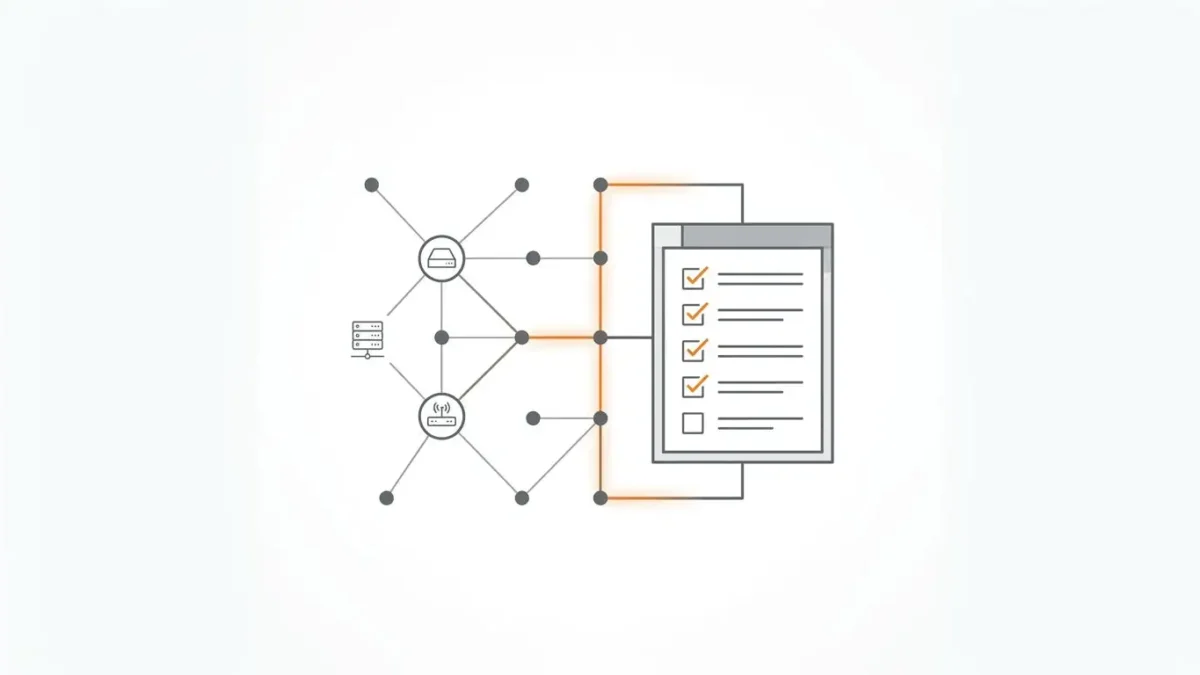
Network Documentation: Why It Matters More Than Most Companies Think
Introduction
Network documentation is one of those tasks that everyone agrees is important, yet many companies postpone it until something breaks. The network works, users connect, applications respond, and management sees no urgent reason to spend time documenting switches, firewalls, VPNs, VLANs, subnets, routing paths, and access rules. Documentation feels like administrative housekeeping rather than a business priority.
That view changes quickly during an outage, migration, audit, security incident, or staff transition. Suddenly, the company needs to know which device connects which office, why a firewall rule exists, where a critical server sits, who owns a VPN tunnel, and which system depends on an old subnet that nobody has discussed for years. Without documentation, even simple questions turn into detective work.
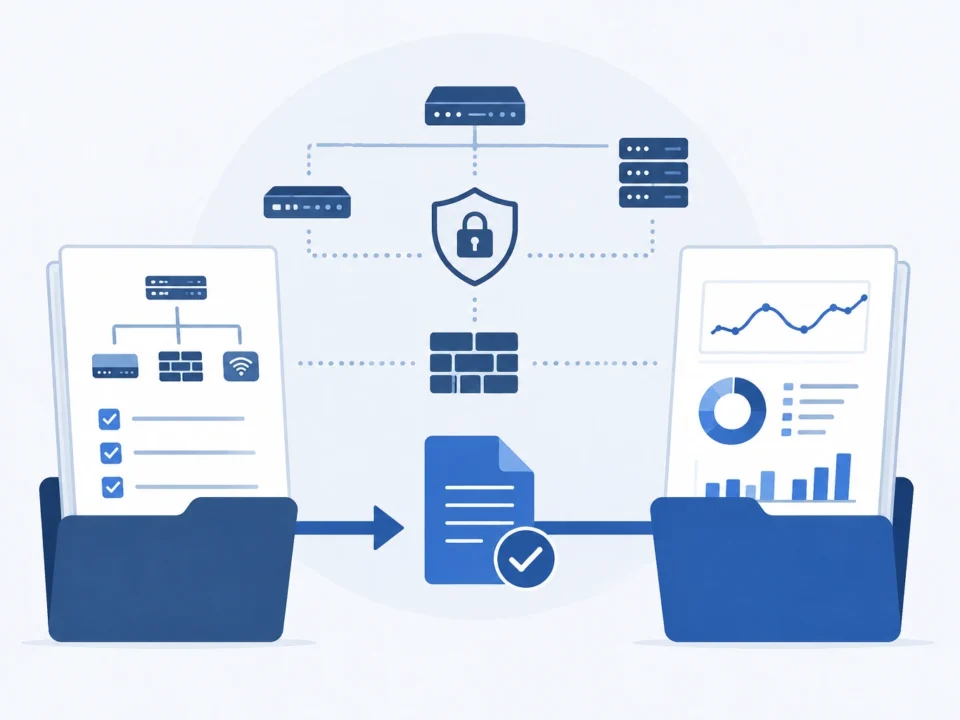
Strong network documentation does not exist to decorate a shared folder. It helps teams troubleshoot faster, reduce operational risk, improve security, plan changes, support compliance, and protect business continuity. In companies that rely on outsourced it, documentation also gives external specialists the context they need to support the environment without guesswork, delays, or repeated emergency calls to internal staff.
Why network documentation gets ignored
Most companies do not ignore documentation because they are careless. They ignore it because daily IT work feels more urgent. Tickets need resolution, users need support, hardware needs replacement, vendors need answers, and security alerts demand attention. Documentation rarely screams for help, so it slips behind louder tasks.
Another reason is that networks change gradually. A new switch appears. A temporary firewall rule becomes permanent. A VPN tunnel gets added for a partner. A server moves to a different segment. A wireless network expands. Each change may feel small, but over time the real environment drifts away from the old diagram.
Common reasons documentation falls behind
- IT teams are overloaded with operational support
- Changes happen quickly and documentation updates come later
- Network knowledge lives in the memory of one or two administrators
- Old diagrams are trusted even when they no longer match reality
- No one owns documentation as a recurring responsibility
- Management does not see the risk until an incident occurs
- Tools exist, but teams lack a process for keeping records current
The result is a network that functions but cannot be easily explained. That may not matter on a quiet Tuesday afternoon. It matters a great deal when an outage affects revenue, an auditor asks for evidence, or a security investigation requires quick answers.
The business risks of poor network documentation
Poor documentation creates more than technical inconvenience. It affects business continuity, security, compliance, vendor management, and the speed of decision-making. When no one has a reliable picture of the network, every change carries more uncertainty.
What poor documentation can cause
- Longer outages because teams cannot trace dependencies quickly
- Risky firewall changes because rule ownership is unclear
- Delayed migrations because old traffic paths remain undocumented
- Weak incident response because logs and assets are difficult to correlate
- Compliance gaps because evidence cannot be produced easily
- Vendor delays because support teams lack device and configuration details
- Higher dependency on specific employees who hold undocumented knowledge
A company can operate for years with incomplete documentation and feel comfortable. The danger is that the weakness remains hidden until the company needs speed and precision. At that point, missing documentation becomes expensive. It turns troubleshooting into guessing, security response into searching, and infrastructure planning into a meeting where everyone says, “I think that server still exists.”
Hidden knowledge is not a reliable process
Many businesses rely on informal knowledge. A senior administrator remembers the routing logic. A network engineer knows which switch port connects a critical device. A former contractor once documented a VPN tunnel in an email thread. This may work while the same people remain available, but it creates a fragile operating model.
A mature network should not depend on memory. It should depend on documented ownership, current diagrams, controlled changes, accessible records, and regular review. People still matter, of course, but their knowledge should strengthen the process rather than replace it.
Asset inventory is the foundation
A useful documentation system starts with asset inventory. Companies need to know what exists before they can secure, support, replace, or monitor it. A network inventory should include more than obvious devices. It should cover everything that affects connectivity, access, security, and service availability.
A strong inventory should include
- Firewalls, routers, switches, wireless controllers, and access points
- VPN gateways and remote access systems
- Servers, virtual machines, storage systems, and backup platforms
- Cloud connections, hybrid links, and third-party integrations
- Public-facing services and externally reachable assets
- Monitoring systems, log collectors, and security tools
- Management interfaces and administrative access methods
- Vendor contacts, warranty status, and support agreements
Each asset should have a clear name, location, management address, business purpose, owner, vendor, model, software or firmware version, support status, configuration backup status, and criticality rating. This level of detail may look excessive until someone needs to replace failed equipment, investigate suspicious activity, or explain why a critical system was never monitored.
Criticality helps teams prioritize
Not every device deserves equal attention. A core firewall, distribution switch, domain controller, backup server, and production database connection carry more risk than a test device or guest wireless access point. Documentation should mark criticality so teams know what to protect first, restore first, and review most carefully.
Topology documentation explains how everything connects
Asset inventory tells teams what exists. Topology documentation shows how those assets interact. A strong topology record should include physical diagrams, logical diagrams, network segments, routing paths, security zones, VPN tunnels, cloud connections, and business-critical traffic flows.
Topology documentation should cover
- Physical links between offices, data centers, and network devices
- Logical diagrams of VLANs, subnets, and security zones
- Routing paths between internal segments
- Internet breakout points and perimeter controls
- Site-to-site VPNs and partner connections
- Remote user access paths
- Cloud and hybrid connectivity
- Management networks and administrator access routes
The best diagrams do not try to impress people with visual complexity. They help engineers understand the environment quickly. A diagram that looks beautiful but omits critical dependencies is less useful than a plain diagram that clearly explains how traffic moves.
Application dependencies matter as much as cables
Many network problems come from undocumented dependencies. A business application may rely on DNS, authentication, database access, backup traffic, license servers, monitoring agents, vendor APIs, and scheduled file transfers. If teams only document devices and subnets, they may miss the flows that keep business systems alive.
Traffic flow documentation helps prevent accidental disruption. Before a firewall change, routing update, or migration, teams can review which applications rely on which paths. Without this information, every change becomes a suspense film. The network may survive, but nobody enjoys watching production traffic play the lead role.
Access documentation improves accountability
Network documentation should also explain who can access systems and why. Administrative access, service accounts, VPN groups, vendor credentials, and privileged roles all need ownership. If access records are incomplete, the company may not know who can change critical infrastructure or which accounts still exist after projects end.
Access documentation should include
- Administrator groups and individual privileged accounts
- Service accounts and their technical purpose
- VPN users, vendor accounts, and contractor access
- Multi-factor authentication status
- Remote access methods and allowed source locations
- Approval workflow for new access
- Account review and removal procedures
- Emergency access rules
This documentation supports security and operations at the same time. It helps teams remove old access, investigate suspicious activity, prove control during audits, and reduce excessive permissions. It also prevents confusion when an external vendor, former employee, or temporary contractor still has access months after the original need disappeared.
Service accounts need special attention
Service accounts often become invisible because they do not behave like normal users. They run scripts, backups, monitoring tools, integrations, and scheduled jobs. If no one documents their purpose, teams may hesitate to disable them even when they look risky. Each service account should have an owner, purpose, dependency description, credential rotation process, and review schedule.
Change management depends on accurate records
Every network changes. New systems appear, old systems retire, firewall rules evolve, wireless networks expand, VPN tunnels change, cloud platforms integrate, and users need different access. Documentation turns these changes from improvised actions into controlled operations.
Change records should show
- What changed
- Why the change was needed
- Who requested and approved it
- Which systems or users were affected
- What testing occurred before implementation
- What rollback plan existed
- When documentation was updated afterward
Without change records, teams lose the history of the environment. A firewall rule may remain active long after the project that required it ended. A routing adjustment may confuse a future migration. A temporary workaround may quietly become permanent infrastructure. Documentation gives teams the ability to review the past before they make the next decision.
Post-change updates should not be optional
Many companies document planned changes but fail to update records after implementation. This creates a dangerous gap between intention and reality. If the final configuration differs from the plan, documentation must reflect the actual result. Otherwise, future teams will rely on a version of the network that exists only in a project ticket.
Network documentation strengthens cybersecurity
Security teams need context. They need to know which assets are critical, which traffic is normal, which accounts are privileged, which systems face the internet, and which network segments should remain isolated. Good documentation gives them that context before an alert becomes an incident.
Documentation supports security in several ways
- Helps identify unauthorized devices or unexpected traffic paths
- Improves firewall policy review and access cleanup
- Supports faster investigation during suspicious activity
- Helps prioritize vulnerability remediation based on asset criticality
- Improves segmentation planning and zero-trust initiatives
- Provides evidence for audits and customer security reviews
- Reduces dependency on undocumented administrator knowledge
During an incident, missing documentation slows everything down. Teams may need to identify where a device sits, which users access it, what it communicates with, whether logs exist, and how to isolate it safely. If documentation already exists, response becomes more focused. If not, the team must build the map while the fire is already burning.
Firewall and segmentation reviews depend on documentation
Firewall policies should not exist as mysterious lists of rules. They should connect to business needs, application flows, owners, and risk decisions. Network segmentation should not rely on assumptions about what lives in each VLAN. Documentation helps security teams verify whether the intended design matches actual access.
This becomes especially important when companies use network administration services to maintain infrastructure, review configurations, and improve operational control. External specialists can work faster and more accurately when they receive current documentation instead of a puzzle box full of outdated diagrams.
Why documentation matters before external support begins
External support can improve network reliability and security, but it cannot replace missing context instantly. A provider needs to understand the environment before making reliable decisions. If documentation is incomplete, the first phase of support may involve discovery, validation, and cleanup rather than immediate optimization.
Before external support begins, companies should prepare
- Current asset inventory
- Network diagrams and traffic flow descriptions
- Administrative access records
- Firewall and VPN configuration details
- Monitoring and logging sources
- Known issues and recurring incidents
- Vendor contacts and support contracts
- Change management and escalation procedures
This preparation reduces onboarding delays and helps external teams understand priorities. It also protects the company. Clear documentation makes it easier to define scope, approve changes, review performance, and hold every party accountable.
Documentation creates a better partnership
A provider should not operate blindly, and a company should not lose visibility after handing over technical tasks. Documentation gives both sides a shared operating picture. The provider sees how the environment works. The internal team sees what the provider manages. Management receives clearer reporting. Everyone spends less time asking where things are and more time improving them.
Network documentation matrix
| Documentation area | What to include | Why it matters | Review frequency |
|---|---|---|---|
| Asset inventory | Devices, servers, cloud links, security tools, owners, versions, criticality | Shows what exists and what needs protection or support | Quarterly or after major changes |
| Topology | Physical diagrams, logical diagrams, VLANs, subnets, routing, VPNs, cloud paths | Helps teams understand connectivity and troubleshoot faster | After every infrastructure change |
| Access records | Admin accounts, service accounts, vendor access, VPN groups, MFA status | Improves accountability and reduces excessive permissions | Monthly or quarterly |
| Firewall policy | Rules, owners, business purpose, logging, exceptions, review dates | Prevents unnecessary access and supports security reviews | Quarterly or during migrations |
| Monitoring and logs | Log sources, alert rules, retention, notification paths, escalation contacts | Supports incident detection, investigation, and reporting | Quarterly or after tool changes |
| Change history | Requests, approvals, implementation notes, testing, rollback, post-change updates | Preserves operational context and reduces future mistakes | After every change |
| Incident procedures | Severity levels, response roles, containment authority, communication rules | Speeds response and reduces confusion during security events | At least annually or after incidents |
This matrix gives companies a practical starting point. Documentation does not need to become a heavy bureaucratic exercise. It needs to be accurate, accessible, owned, and updated when the environment changes.
What strong network documentation gives the business
- Faster troubleshooting during outages and performance issues
- Lower risk during firewall, routing, VPN, and infrastructure changes
- Better visibility into assets, dependencies, and ownership
- Improved security monitoring and incident response
- Cleaner access control and privileged account management
- Stronger audit readiness and easier evidence collection
- Reduced dependency on individual administrators
- More efficient onboarding for internal staff and external providers
- Better planning for migrations, upgrades, and business growth
Network documentation may not feel exciting, but it quietly supports almost every serious IT and security process. It helps teams understand what they manage, why it matters, and how to change it safely. It also gives leadership a clearer view of operational risk, which matters far more than a diagram that looks impressive but explains very little.
The companies that document well usually respond faster, plan better, and panic less. That last benefit deserves more respect than it gets. In IT operations, fewer surprise meetings with stressed faces and half-remembered network details is a very real business advantage.
FAQ
Why is network documentation important for business operations
Network documentation helps teams understand assets, connections, dependencies, access rights, and change history. This improves troubleshooting, reduces downtime, supports security, and makes infrastructure changes safer.
What should be included in network documentation
Network documentation should include asset inventory, topology diagrams, VLANs, subnets, routing paths, firewall rules, VPN tunnels, access records, monitoring sources, change history, vendor contacts, and incident procedures.
How often should network documentation be updated
Documentation should be updated after every meaningful infrastructure change. Companies should also review key records regularly, such as quarterly for asset inventory, firewall rules, access records, and monitoring sources.
Who should own network documentation
Ownership usually belongs to the IT or network operations team, but responsibility should be clearly assigned. In larger environments, different teams may own different parts, such as firewall rules, cloud connectivity, access management, and monitoring.
Can network documentation improve cybersecurity
Yes. Good documentation helps security teams identify critical assets, understand normal traffic, review firewall rules, manage privileged access, investigate incidents faster, and provide evidence during audits or customer security reviews.
Sources
- NIST Cybersecurity Framework 2.0
- NIST SP 800-53 Rev. 5 Security and Privacy Controls for Information Systems and Organizations
- NIST SP 800-61 Rev. 2 Computer Security Incident Handling Guide
- NIST SP 800-137 Information Security Continuous Monitoring
- CISA Cybersecurity Performance Goals
- ISO/IEC 27001 information security management principles
© 2026 OutsourceITSecurity. All rights reserved.